 AutoCut
Put your name on the story.
Add your own brand mark or watermark as part of the video composition.
Available in the AutoCut iPhone app
yours.YOUR WORDS. A LITTLE MOTION.
Animated typography illustration · customize text in the iPhone editor.
Start with a reason to edit.
A small logo or name can identify the creator, but it should not make the subject or captions harder to see.
A small business signs its product video
Use a product template, add your own mark and keep it clear of the product, price and platform interface areas.
A branded video with the product still in focus.
Try this workflow with your own footage.Three steps to your version.
Choose your mark
Prepare the image or text you want to use.
Place it carefully
Set a size and position that work with the video.
Check the final frame
Preview it alongside titles and other graphics.
Your own identity
Choose a simple mark that remains readable at a small size.
Consistent placement
Use a location that suits the content rather than covering it.
Check export conditions
AutoCut’s own watermark is separate from a watermark you add.
Removing AutoCut’s own watermark requires eligible Pro access.
Works well with…
 Animated typography
moment yours.
Animated Text
Choose an animated text style, make the words yours and time the title to your video.
 Travel
 Coffee
 Fashion
Video Templates
Explore editable video templates for travel, products, fitness, celebrations and everyday moments.
Share.
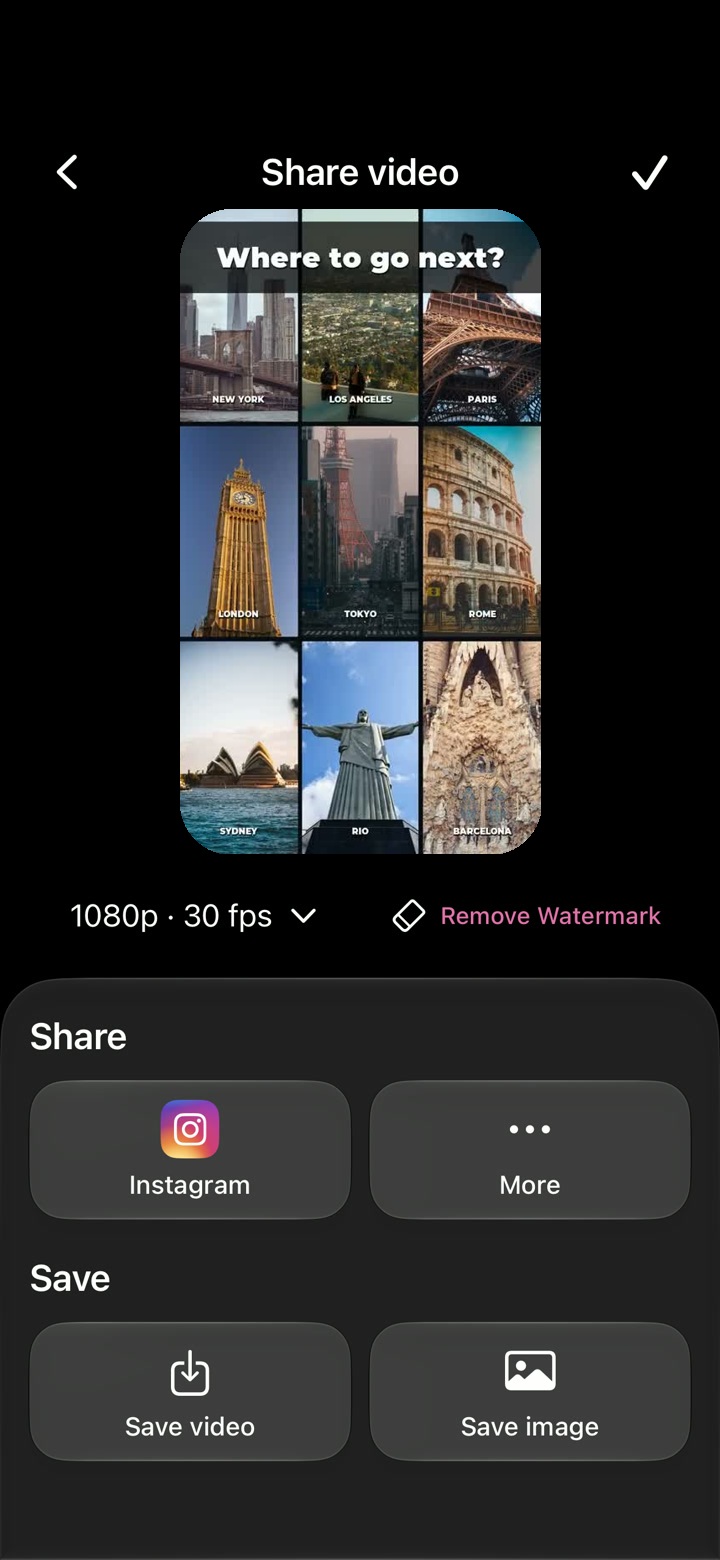
Done.1080p · 30 fps
Video Export
Preview your project and choose the available resolution and frame rate before saving your video.
Can I use Custom Watermark in my browser?
The feature runs in AutoCut for iPhone. The website provides examples, template previews and instructions.
Can I review the result before sharing?
Preview the finished result in the app and use the available editing controls to check the media, timing and appearance.
Does this feature require a purchase?
Access varies by tool and subscription. Generation features may also use credits. Check the current in-app screen and purchase details before you start.