 AutoCut
Keep the voice. Turn down the distraction.
Reduce surrounding noise in a video and preview the isolated voice before saving or editing.
Available in the AutoCut iPhone app
Start with a reason to edit.
A useful recording can have an air conditioner, room noise or other sound competing with the speaker.
A voice with added background noise
This listening example starts with a spoken recording and added background noise. The processed version uses AutoCut’s native voice-isolation engine. Listen with headphones to compare.
A voice-focused version of the same recording.
Try this workflow with your own footage.Three steps to your version.
Choose your recording
Open Voice Isolator and select a video with speech.
Choose cleanup strength
Pick how much background ambience to retain.
Listen before saving
Compare the result, then save it or continue into the editor.
Keep some atmosphere
A lighter reduction can sound more natural when the environment matters.
Preview the voice
Listen for both noise reduction and any change to the tone of the speaker.
Processed on device
Voice isolation uses the on-device audio model.
Voice isolation cannot reliably separate every overlapping voice or repair heavily distorted audio.
A walkthrough worth keeping.
Works well with…
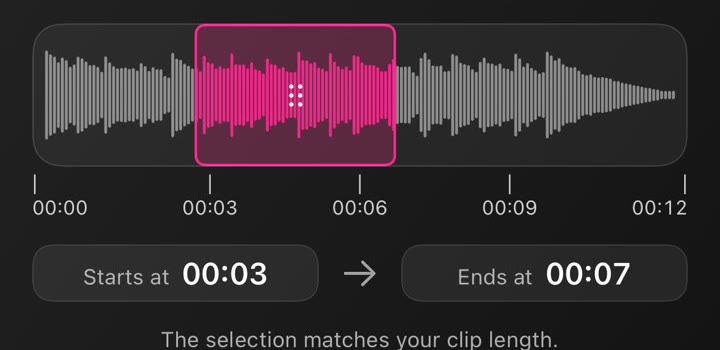
Music & Audio Editing
Choose music, use your own audio and adjust the selected section in your project.
 Original
 B-roll + captions
B-roll & Auto Edit
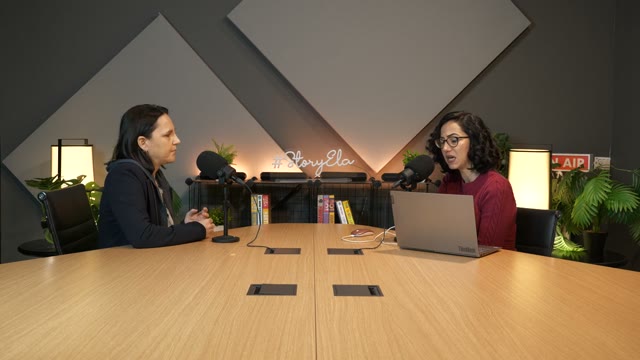
Build on a talking video with relevant B-roll, captions and optional animated stickers, then refine the edit on iPhone.
 YOUR VIDEO
 01
 02
 03
AI Clips
Find short clips in a longer video, review the suggestions, and make each one your own on iPhone.
Can I use Voice Isolator in my browser?
The feature runs in AutoCut for iPhone. The website provides examples, template previews and instructions.
Can I review the result before sharing?
Preview the finished result in the app and use the available editing controls to check the media, timing and appearance.
Does this feature require a purchase?
Access varies by tool and subscription. Generation features may also use credits. Check the current in-app screen and purchase details before you start.