 AutoCut
From many moments to one big reveal.
Combine grid arrangements and full-frame moments in a music-driven edit.
Available in the AutoCut iPhone app
Nine moving city clips. One changing grid. This example uses the app’s Grid Flow countdown layout planner, with small gaps and zoom transitions.
Start with a reason to edit.
A grid can show several memories together; a full-screen shot can give one moment more impact. Moving between them creates contrast.
A grid opens into the main moment
Begin with several travel views visible together. Let the arrangement move into a full-frame shot around a change in the track.
A montage with contrast between overview and detail.
Try this workflow with your own footage.Three steps to your version.
Choose varied clips
Mix wide views, details and a clear main shot.
Choose the flow
Set up the grid-driven sequence and its audio.
Review the reveal
Check that the most important moment is easy to see.
Several views at once
A grid establishes different parts of a story quickly.
Give a shot room
A full-frame moment can make a selected clip feel more important.
Build around the music
Use musical changes to support the shift in composition.
Where to go next?
Another way to use a grid: nine destinations become four, then one city fills the frame.
Nine cities. One next stop.
The travel example starts with city photographs in a 3 × 3 grid, narrows to four destinations and reveals Tokyo before moving into city videos.
The simple Grid Flow demo above shows the full 9 → 1 countdown. This template uses a different 9 → 4 → 1 rhythm.
View the travel template ↗Works well with…

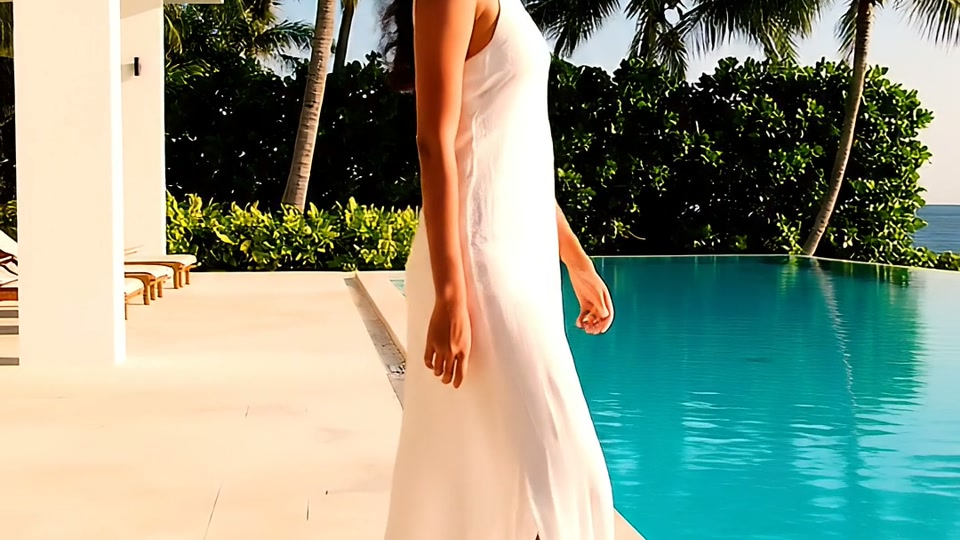


PHOTO + VIDEO
Grid Maker
Arrange photos and videos into a grid or split-screen composition.
Sync the Beat
Choose a song and its section, then build a montage around the detected rhythm.
 Travel
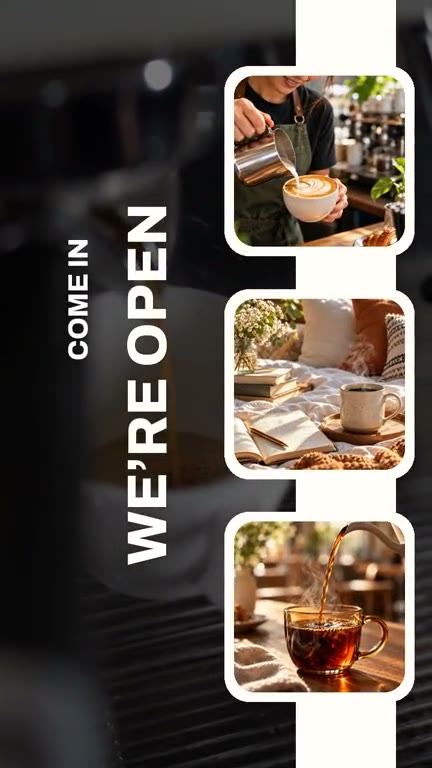 Coffee
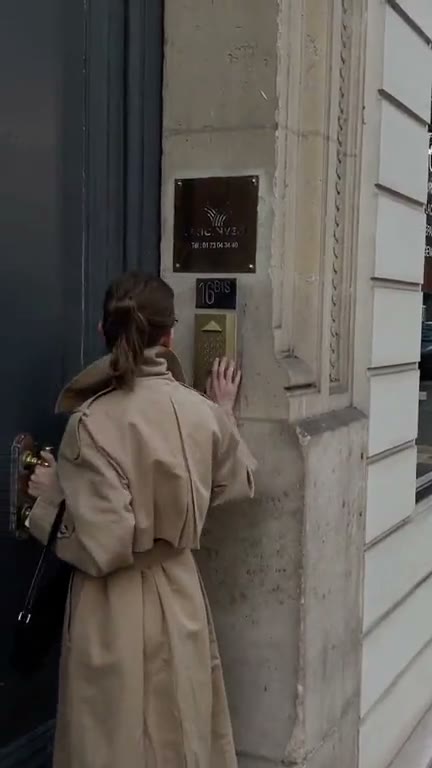 Fashion
Video Templates
Explore editable video templates for travel, products, fitness, celebrations and everyday moments.
Can I use Grid Flow in my browser?
The feature runs in AutoCut for iPhone. The website provides examples, template previews and instructions.
Can I review the result before sharing?
Preview the finished result in the app and use the available editing controls to check the media, timing and appearance.
Does this feature require a purchase?
Access varies by tool and subscription. Generation features may also use credits. Check the current in-app screen and purchase details before you start.