 AutoCut
Luxury Estate ↗
40s · 9 media slots
Combine the main room, useful details and a clear closing view. Use a space-focused template to organize the story.
 Travel
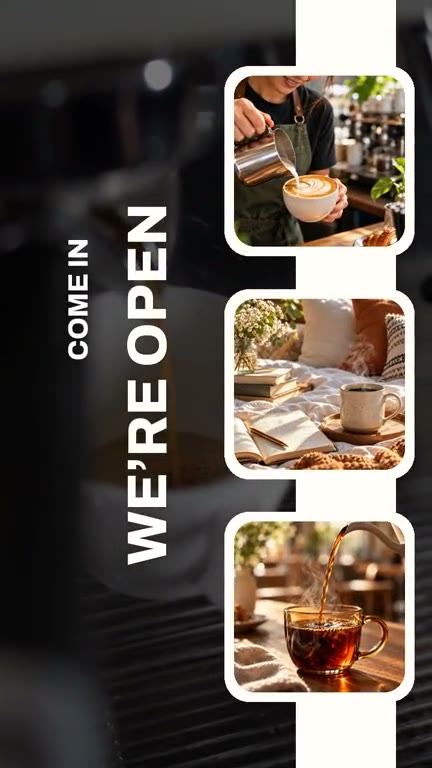 Coffee
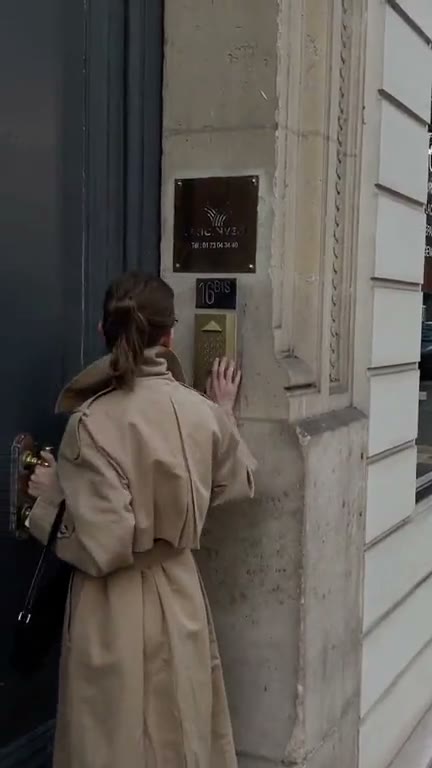 Fashion
Explore editable video templates for travel, products, fitness, celebrations and everyday moments.


Connect clips with transitions that suit the pace, subject and style of the montage.
 Fit your format
Change the composition and project ratio for the platform or presentation you need.
Combine the main room, useful details and a clear closing view. Use a space-focused template to organize the story.
Keep vertical lines and important room features visible when cropping.
Choose your source media, build the first edit with the relevant tool, and review the complete video before sharing. Keep the choices that support the subject and remove the ones that distract from it.