 AutoCut
A better way into the next shot.
Connect clips with transitions that suit the pace, subject and style of the montage.
Available in the AutoCut iPhone app
Start with a reason to edit.
Not every change of shot needs an effect, but a well-chosen transition can connect two moments or mark a deliberate change.
A travel montage with a consistent transition
Choose a small set of related shots and use one transition family to connect the main changes. Preview the sequence with its music.
A more consistent flow between the selected clips.
Try this workflow with your own footage.Three steps to your version.
Choose the boundary
Select the transition control between two media items.
Compare the options
Preview a treatment against the actual outgoing and incoming shots.
Review the sequence
Check that the effect supports the timing instead of slowing it down.
Use a visual reason
Match a transition to motion, shape, light or a change of scene.
Keep the rhythm
A quick montage often needs a different transition than a quiet story.
Stay consistent
A few related effects can feel more deliberate than a new effect on every cut.
Works well with…



Sync the Beat
Choose a song and its section, then build a montage around the detected rhythm.
 Glitch
 Neon
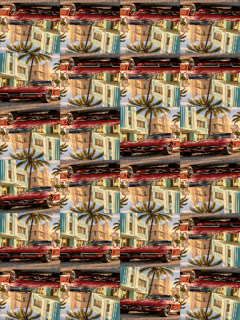 Prism
Video Effects
Explore visual effects and combine them with your footage in the editor.
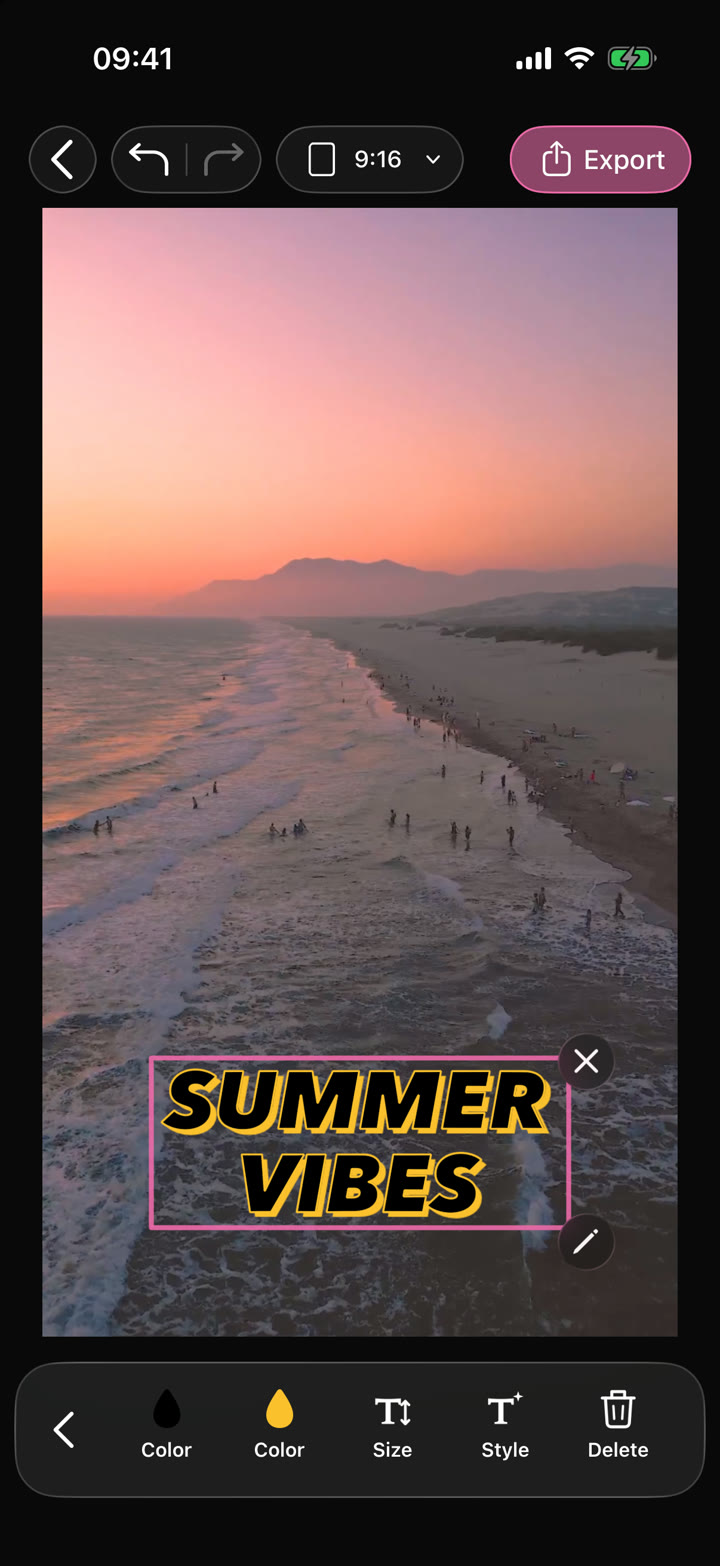
Your edit.Text · Audio · Effects
Video Editor
Shape your video with precise timing, expressive text, stickers, transitions and sound. Start from scratch or make an automatic edit your own.
Can I use Video Transitions in my browser?
The feature runs in AutoCut for iPhone. The website provides examples, template previews and instructions.
Can I review the result before sharing?
Preview the finished result in the app and use the available editing controls to check the media, timing and appearance.
Does this feature require a purchase?
Access varies by tool and subscription. Generation features may also use credits. Check the current in-app screen and purchase details before you start.