 AutoCut
A camera roll with a little more rhythm.
Turn a selection of photos and videos into a montage using compatible AutoCut templates.
Available in the AutoCut iPhone app
Start with a reason to edit.
A folder of good moments still needs order, pacing and a visual treatment before it feels like one video.
A World of Wonder, made from your moments
Start with your own travel photos and videos, then choose A World of Wonder, an AutoCut-compatible template. The preview shows its finished travel montage, with changing scenes and transitions. Replace or reorder the media to make the story yours.
A dynamic travel montage you can continue to personalize in the editor.
Try this workflow with your own footage.Three steps to your version.
Choose your moments
Select the photos and videos you want in the montage.
Build the edit
Use AutoCut with a compatible template.
Make it yours
Refine the media, text, music and transitions before export.
Templates with a structure
Layouts and timing give the collection a starting point.
Keep your own media
Your photos and clips are the subject of the edit.
A project, not a dead end
Continue working in the regular editor after the initial arrangement.
AutoCut support depends on the template. The website marks supported templates in its gallery.
A walkthrough worth keeping.
Works well with…
 Travel
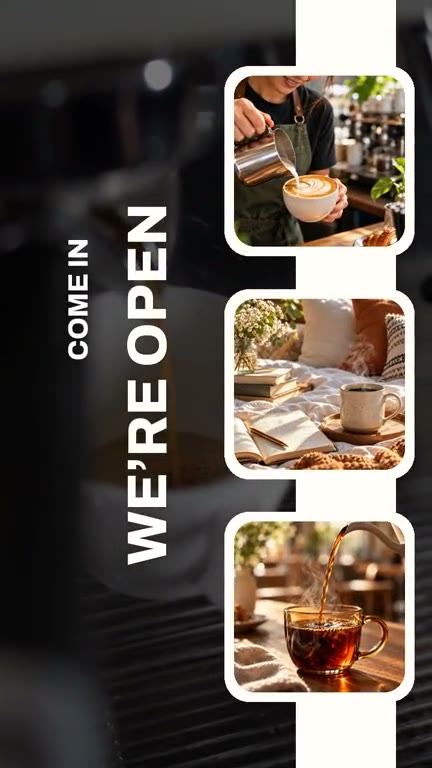 Coffee
 Fashion
Video Templates
Explore editable video templates for travel, products, fitness, celebrations and everyday moments.



Sync the Beat
Choose a song and its section, then build a montage around the detected rhythm.
Video Transitions
Connect clips with transitions that suit the pace, subject and style of the montage.
Can I use AutoCut Montages in my browser?
The feature runs in AutoCut for iPhone. The website provides examples, template previews and instructions.
Can I review the result before sharing?
Preview the finished result in the app and use the available editing controls to check the media, timing and appearance.
Does this feature require a purchase?
Access varies by tool and subscription. Generation features may also use credits. Check the current in-app screen and purchase details before you start.