 AutoCut
Small details. A little more personality.
Add animated stickers, editable graphic elements and GIFs to a video.
Available in the AutoCut iPhone app
Graphic styling illustration · controls vary by selected sticker.
Start with a reason to edit.
An annotation, reaction or graphic can make an idea more immediate when it appears at the right moment.
A price or reaction at the right moment
Choose a sticker that supports the sentence or product shot. Adjust its available text and color controls, then trim its timing to the relevant moment.
A visual accent that adds context without covering the whole video.
Try this workflow with your own footage.Three steps to your version.
Choose an element
Browse the available sticker and graphic options, or find a GIF.
Personalize it
Use the text, value and color options the selected sticker supports.
Time the appearance
Set position and duration so the element appears with the relevant idea.
Different elements, different controls
Editable values depend on the sticker you choose.
Use motion with purpose
Let an animation draw attention to one useful detail.
Keep the subject visible
A smaller sticker is often enough to make the point.
Works well with…
 Animated typography
moment yours.
Animated Text
Choose an animated text style, make the words yours and time the title to your video.
 Original
 B-roll + captions
B-roll & Auto Edit
Build on a talking video with relevant B-roll, captions and optional animated stickers, then refine the edit on iPhone.
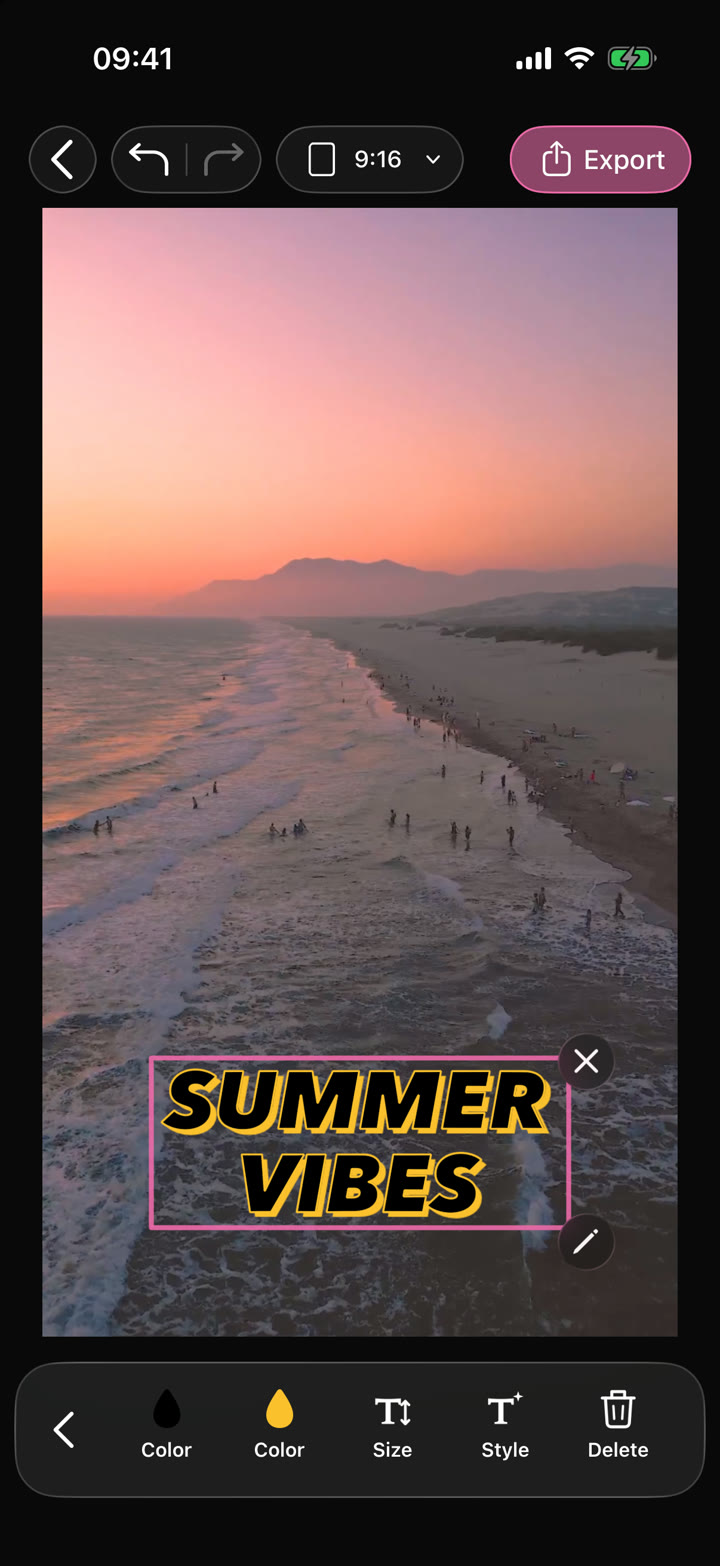
Your edit.Text · Audio · Effects
Video Editor
Shape your video with precise timing, expressive text, stickers, transitions and sound. Start from scratch or make an automatic edit your own.
Can I use Animated Stickers & GIFs in my browser?
The feature runs in AutoCut for iPhone. The website provides examples, template previews and instructions.
Can I review the result before sharing?
Preview the finished result in the app and use the available editing controls to check the media, timing and appearance.
Does this feature require a purchase?
Access varies by tool and subscription. Generation features may also use credits. Check the current in-app screen and purchase details before you start.